SAM.gov Registration: The Most Common Mistakes New Contractors Make (and How to Avoid Them)
Michele Beauvoir · November 5, 2026 · 4 min read
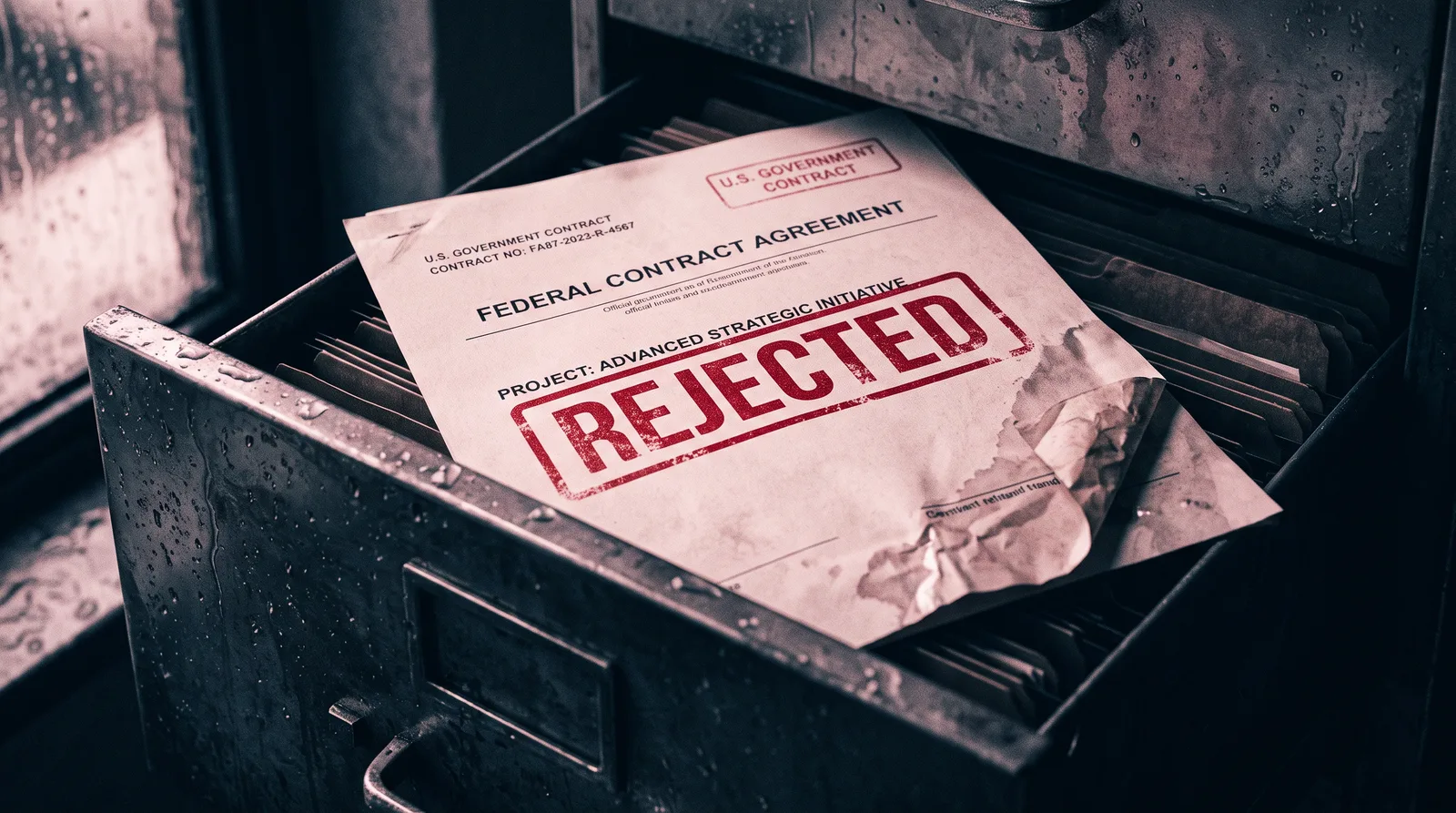
If you've decided to pursue U.S. government contracts, SAM.gov is your front door. Without an active registration in the System for Award Management, you legally cannot receive a federal contract or even be considered for most bids. That much most people know.
What they don't know is how easy it is to walk through that front door and immediately fall into a hole.
SAM.gov registration isn't complicated — but it is unforgiving. Small errors that would be a minor inconvenience anywhere else can freeze your registration for weeks, or worse, get it flagged, rejected, or exploited. I want to walk you through the mistakes I see new contractors make most often, so you can skip the painful lessons and go straight to bidding.
Mistake #1: Using an Inconsistent Business Name
Your business name in SAM.gov must match — exactly — the name on your IRS records and your state registration documents. Not close. Not abbreviated. Exactly.
If your LLC is registered with your state as "Brightwood Solutions LLC" but your EIN confirmation letter says "Brightwood Solutions," that mismatch will stall your registration during the IRS validation step. The fix sounds simple, but correcting it with the IRS can take weeks. Get your documents in front of you before you type a single character into SAM.gov.
Mistake #2: Letting the UEI Trip You Up
The Unique Entity Identifier (UEI) replaced the old DUNS number in 2022, and it's now assigned directly through SAM.gov during registration. Many new registrants assume this step is automatic and skip over it without confirming the UEI is fully generated and attached to their entity record. It isn't always instant. If you proceed before this step resolves, your registration can stall in a limbo state that's hard to diagnose if you don't know to look for it.
After you request your UEI, give the system time to process — typically 24 to 48 hours — and confirm the UEI appears as "active" in your entity record before moving forward.
Mistake #3: Selecting the Wrong NAICS Codes
Your NAICS (North American Industry Classification System) codes tell the government what kind of work your business does. You can list multiple codes, but the one you mark as your primary code matters most — it determines your small business size standard, which affects your eligibility for set-aside contracts.
New contractors often pick codes based on vague keyword searches and end up with codes that don't accurately reflect their services, or worse, codes with size standards they technically exceed. Take time to look up the specific revenue or employee thresholds for each code you're considering at sba.gov, and make sure you qualify under the size standard for your primary NAICS code before you lock it in.
Mistake #4: Skipping or Rushing the Representations and Certifications
The Reps & Certs section of SAM.gov is long, dense, and full of legal language. It is also one of the most consequential parts of your registration. These are the certifications you're making to the federal government about your business — its ownership, its compliance status, whether it qualifies as a small business, woman-owned, veteran-owned, and more.
Rushing through this section and clicking through without reading is how contractors inadvertently make false certifications. That's not a paperwork problem — that's a legal exposure problem. Read every question. If a certification doesn't apply to you, mark it correctly. If you're unsure, that's the moment to consult a registration specialist or attorney, not after the fact.
Mistake #5: Not Setting a Renewal Reminder
SAM.gov registration expires every 365 days. If your registration lapses, you are ineligible to receive contract awards — even if you're in the middle of a procurement. The government will not remind you. The notification system exists, but emails get missed.
Set a calendar reminder for 60 days before your renewal date, then again at 30 days. Renewal is simpler than the initial registration, but it still requires a review of your information for accuracy. Outdated addresses, banking information, or point-of-contact details during renewal are their own category of problem.
Mistake #6: Falling for Third-Party SAM Registration Scams
This one isn't about a form — it's about protecting yourself. There is a well-documented ecosystem of companies that charge $200 to $500 (or more) to "register" your business in SAM.gov. SAM.gov registration is free. Always has been.
Some of these services simply take your money and submit the form you could have filled out yourself. Others collect your business information and do nothing. Register only at sam.gov — the official .gov domain — and never pay a third party for the registration itself.
SAM.gov is the foundation of your entire government contracting business. Get it wrong, and every bid you submit afterward is built on unstable ground. Get it right, and you have a legitimate seat at the table for billions of dollars in federal spending that goes out every single year.
Inside Gov Contract Launchpad, we walk through every step of the SAM.gov process line by line — from your first login to your first active registration — along with everything that comes after: finding bid opportunities, writing competitive proposals, and structuring your business to win. If you're serious about making government contracting work, that's where we go deep.